
Method example
Form
Journey starts here
Offer and entry point
Check whether a visitor knows what they are sending, who receives it and what happens next. Review the offer, button and conditions.
Free CometWeb ebook
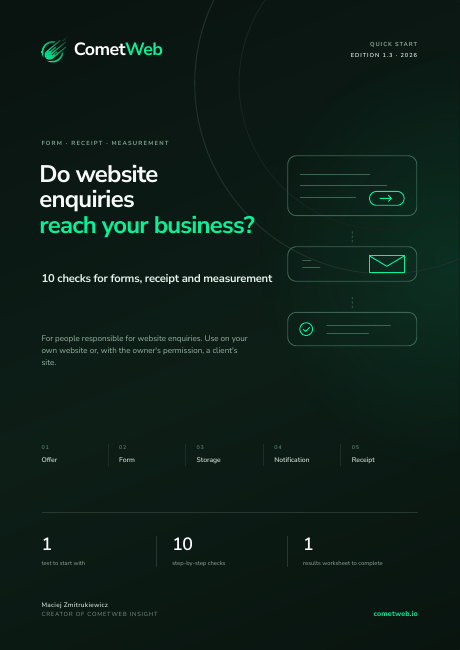
A good-looking website can still lose enquiries. This guide helps you trace a submission, locate the failure and give your developer a fix that can be verified.
We will send a link to verify your email address.
Start with the right question
A success message only confirms what the interface displayed. It does not prove that a submission was stored, accepted by an email provider or received in the right inbox. Check those points separately.
Start with one labelled submission. Record the time, device and message, then find the same enquiry in the inbox or CRM. If it is missing, you have a specific case to trace instead of a vague report that the form is broken.
Inside the guide
Leave with a test result, supporting evidence and a next step.
Check whether a visitor knows what they are sending, who receives it and what happens next. Review the offer, button and conditions.
Connect the message shown on the website to a specific enquiry. Use the decision tree to narrow down where the journey breaks.
Try correcting input, using a small screen and submitting without a mouse. Check whether an error prevents the visitor from finishing.
Separate an analytics event from a received lead. Record a priority, an actionable issue and the condition for retesting the fix.

A real excerpt. A practical exercise.
Start with the visitor’s journey, not a list of tools. Choose the guide’s path for your access level: website only, or access to the inbox, CRM and backend as well.
One access link. The complete package.
Free materials in English. Verify your email, choose a format and download your files.
19 pages. For reading, saving for later or printing.
HTML for reading in your browser. Revisit the guide on your phone or computer.
The worksheet connects each finding to a repair task. The demonstrator shows why a visible success message can hide a failed submission.
Who it is for and when to use it
Agencies can use the guide during delivery. Website owners can check receipt after a form, email or CRM change. Developers get a shared way to document the failure.
No. This guide focuses on the enquiry journey: form submission, receipt and measurement. It does not replace a security, SEO or accessibility audit.
About the publisher: CometWebYes. You can follow the visitor journey and record a test. Confirming receipt still requires someone with access to the inbox or CRM. The guide separates those responsibilities.
Not necessarily. It may fire on a click or a success message. A matching enquiry received by the business is the evidence of receipt.
The PDF guide, an HTML version for reading on your phone and a ZIP package with worksheets. The guide and working materials are in English. Where included, original evidence and historical appendices retain their source language and are labelled.
Enter your email address. We will email a link to verify your address. Open it to unlock the guide and worksheets.
Verification confirms that you can access the mailbox. Temporary email addresses are not supported. Downloading the ebook does not subscribe you to a newsletter.
No. This guide focuses on the enquiry journey: form submission, receipt and measurement. It does not replace a security, SEO or accessibility audit.
Free CometWeb ebook
Free, no newsletter subscription